
Backlit or blockout? How the fabrics differ, when you need which one, what the keder does and what a fabric print costs.
In short
Backlit is translucent fabric for anything that should shine from behind – light walls, lightboxes and illuminated exhibition walls; blockout is opaque and belongs on reverse sides and non-illuminated surfaces. With our systems, the fabric print with a silicone keder all round is always included in the price: €40 net per square metre and printed side, so €80 net for a 100 × 200 cm light wall.
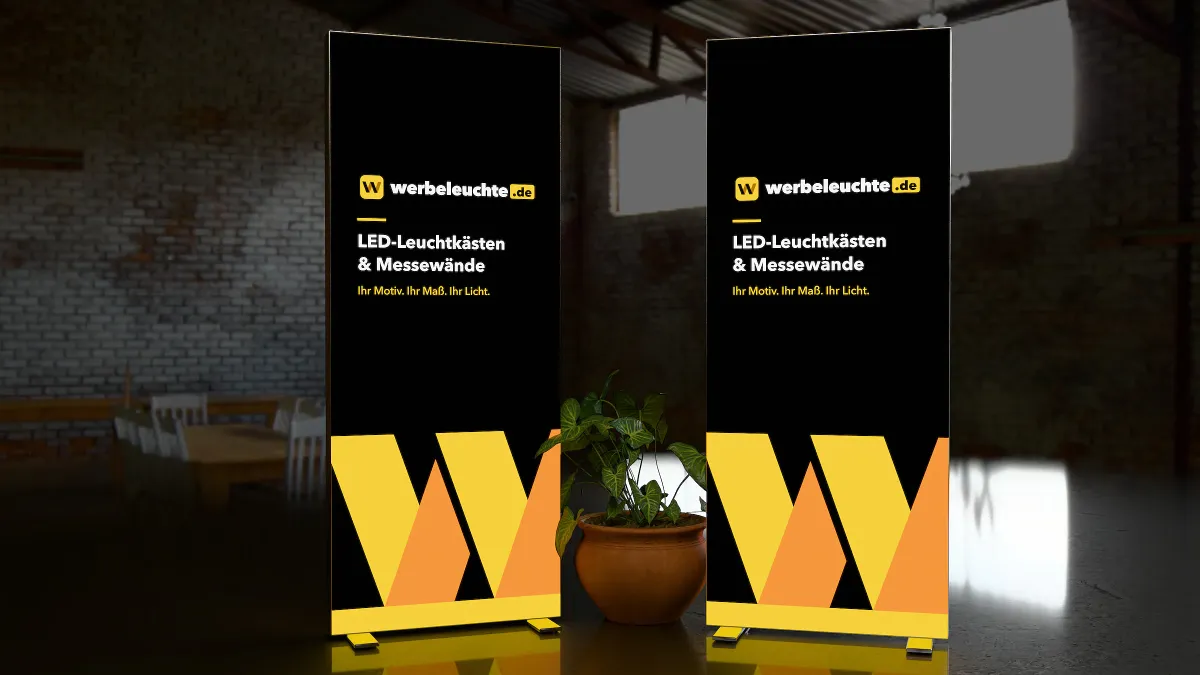
Anyone ordering a light wall, lightbox or exhibition wall with fabric print soon comes across two terms: backlit and blockout. Both describe printable fabrics, but with one crucial difference – how they handle light. This guide explains which fabric is intended for what, what matters when printing and how to avoid mistakes.
What is a backlit fabric?
Backlit means “lit from behind”. A backlit fabric is translucent: the light from the LEDs in the frame shines through the fabric and makes the artwork glow from within. To achieve this evenly, the fabric is designed to diffuse the light rather than letting individual LEDs show through as bright dots.
Typical use:
- Front of illuminated systems such as the Portable LED Light Wall Classic, the LED Exhibition Wall XL or the LED Light Tower
- Lightboxes in the shop window or on the wall
- Counter fronts of LED Exhibition Counters
What is a blockout fabric?
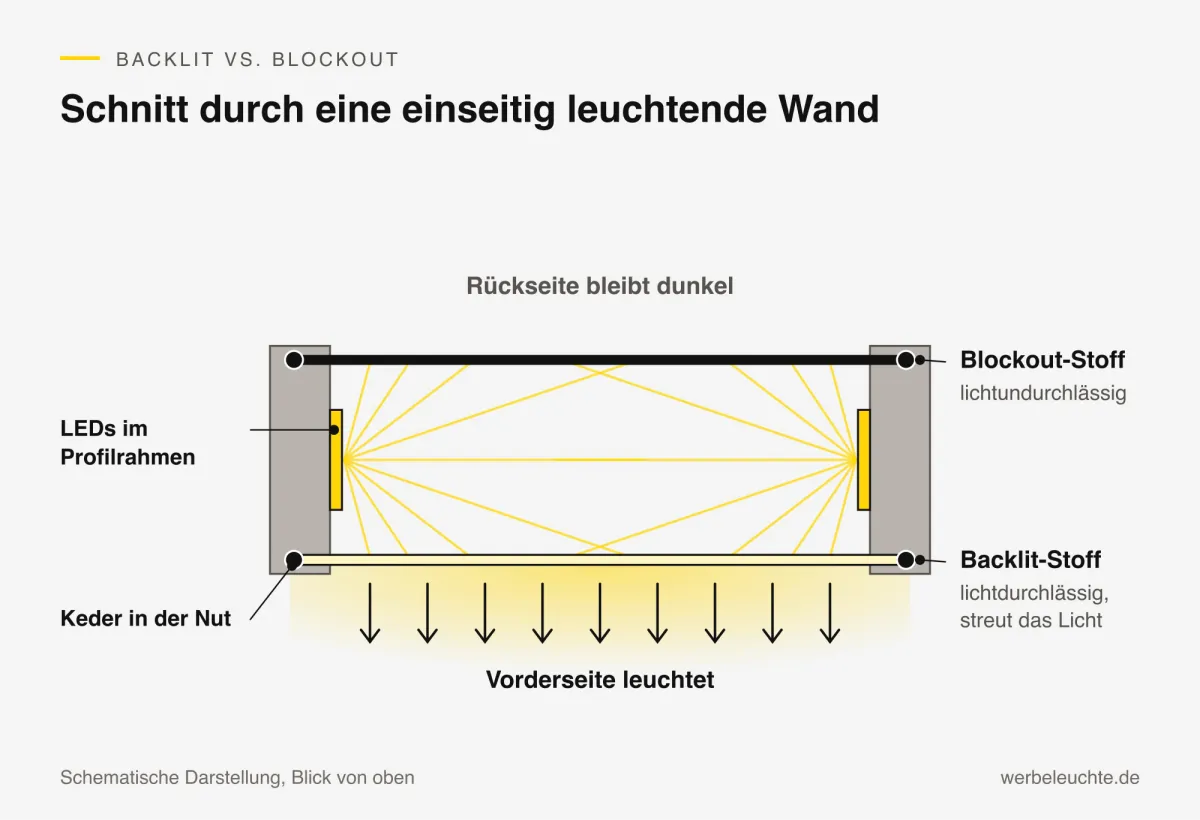
Blockout means “blocked”. A blockout fabric is opaque. It prevents light from shining through – both from the inside out and vice versa.
Typical use:
- Backs of illuminated walls that should not glow (for example on a stand wall facing the neighbouring stand)
- Non-illuminated systems such as Fabric Exhibition Walls or the Fabric Display Stand, where light from behind (e.g. through a window) would be distracting
- Surfaces on which text should remain legible even against the light
Backlit or blockout – a decision guide
| Question | Backlit | Blockout |
|---|---|---|
| Should the surface glow? | yes | no |
| Is the surface in front of LEDs? | yes | no, or light should be blocked |
| Light behind the surface? | Artwork may shine through | Artwork remains opaque |
| Typical surface | Front of light wall, lightbox | Back, non-illuminated wall |
As a rule of thumb: everything that should glow gets backlit. Everything that should not glow or should block light gets blockout.
The keder: why the fabric sits so tightly
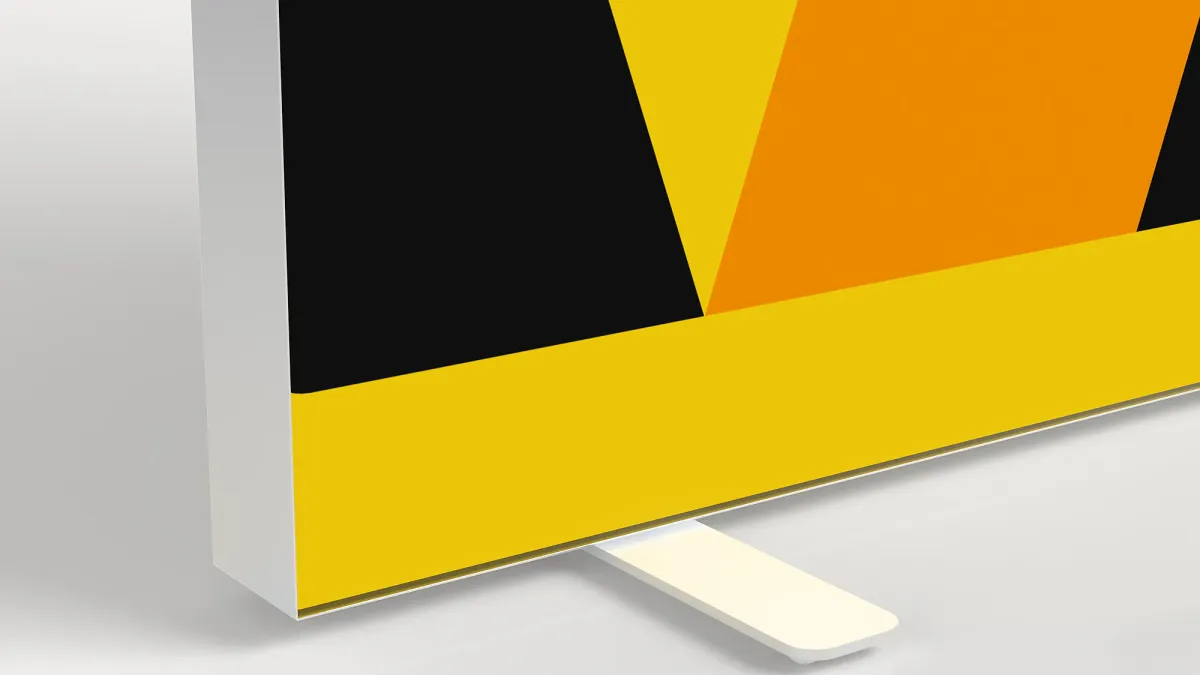
With fabric frames, the print is not glued or stapled. A keder – a narrow, flexible strip – is sewn all round the edge of the fabric. This keder is pressed into a groove in the profile, so the fabric is tensioned evenly and without creases over the frame.
The advantage for you: the artwork can be pulled out at any time and replaced with a new one. The frame stays, only the fabric changes – ideal for seasonal promotions, new products or different exhibitions.
What matters when printing
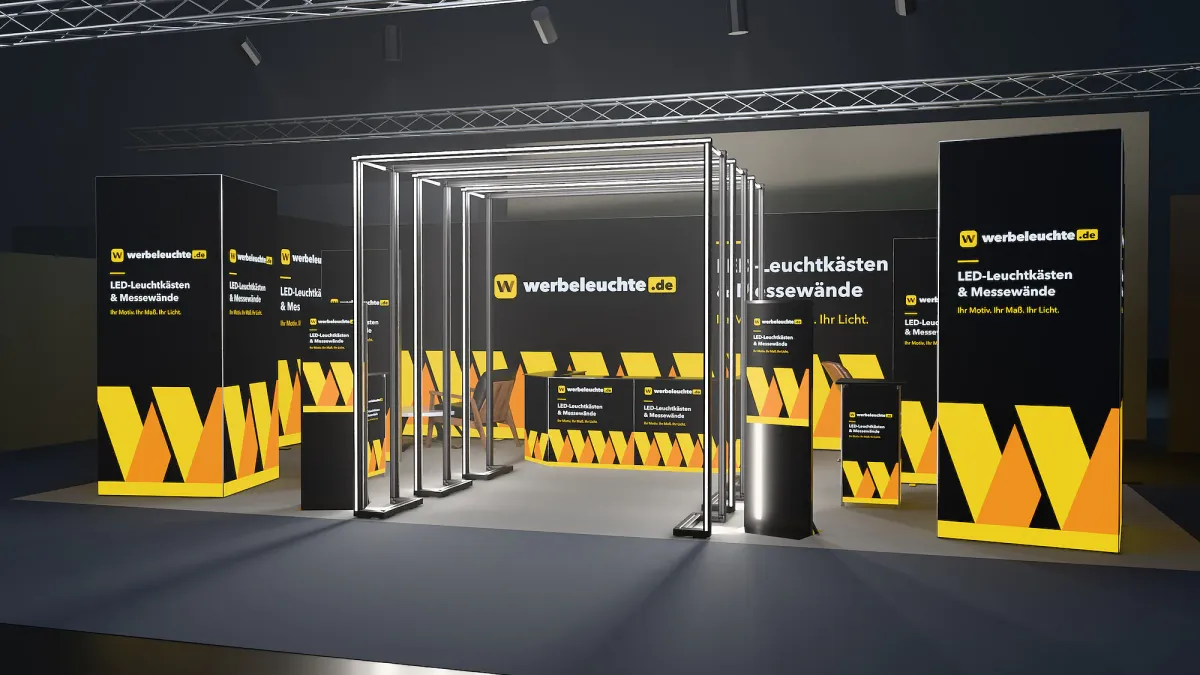
Colours with backlighting
Backlit artwork looks different from how it appears on screen or on paper. Light from behind makes colours appear brighter and more vivid; very light areas can glare, very dark areas absorb light. Strong colours and clear contrasts work best.
Size, bleed and safe zone
Each system has its own print size. In addition to the visible artwork, there is a bleed that disappears into the groove and a safe zone in which no important content should be placed. Our artwork templates specify exactly how the file must be set up for each size – you will find them with every product and on the Artwork templates page.
Resolution
Large-format fabric prints are viewed from a greater distance than a flyer. For fabric, around 100 dpi at final size is usually sufficient; significantly less looks blurred close up. When you upload, we automatically check your artwork files for aspect ratio and resolution and show the result as a traffic light.
File size
High-quality PDF, TIFF or JPG files have proven reliable. Fonts should be embedded or converted to outlines.
How much does a fabric print cost?
With our systems, printing your artwork is always included: it is charged at €40 net per square metre and side, is already included in the system price shown, and the system is delivered ready printed. You get new artwork later at the same price. Examples of the print share:
- Light wall 100 × 200 cm (2 m²): €80 net
- Exhibition wall 300 × 248 cm (around 7.4 m²): around €298 net
- Light tower 100 × 200 cm, four sides (8 m²): €320 net
For context: online printers offer printed backlit fabric without finishing from around 22 to €24 net per square metre; ready-finished replacement prints with keder are often priced on the market at around 37 to €44 net per square metre (own market research, November 2026). With us, the print is precisely matched to the respective system – size, keder and bleed all fit.
Why we only print fabric banners together with the matching frame is explained on the page Fabric Banners & Fabric Printing.
If you do not have finished artwork yet, our design service takes care of it for €300 net; each further system in the same order with the same design costs just €90 net.
Typical mistakes – and how to avoid them
- Blockout on the illuminated side: the surface stays dark. Always choose backlit for illuminated surfaces.
- Important text in the bleed: it disappears into the groove. Observe the safe zone of the template.
- Resolution too low: photos from the internet are usually not sufficient for large formats. Use high-resolution source files.
- Too much text: only a few large words are legible from a distance.
- Wrong aspect ratio: the artwork is distorted or cropped. Always use the artwork template for the specific system.
Care and storage of fabric prints
To keep a fabric print looking good for a long time, it should be stored dry and without sharp creases – ideally loosely rolled or folded in a cover. Before inserting it into the frame, slight creases usually smooth out by themselves thanks to the tension of the keder. If you use several designs in rotation, label the prints with system and size so you can reach for the right fabric immediately at the next set-up. You will receive care instructions for your specific print with your order.