
Digital signage explained simply: which display suits which location, how content gets onto the device via USB, app or CMS, and what it costs.
In short
Digital signage consists of three building blocks: display, media player – built into most of our devices – and software. Content reaches the device via USB stick, via smartphone app over Wi-Fi or through a content management system; only the CMS needs internet. Our digital signage devices start at €1,097.78 incl. VAT; for shop windows we recommend a particularly bright display such as ours with 2,000 nits.
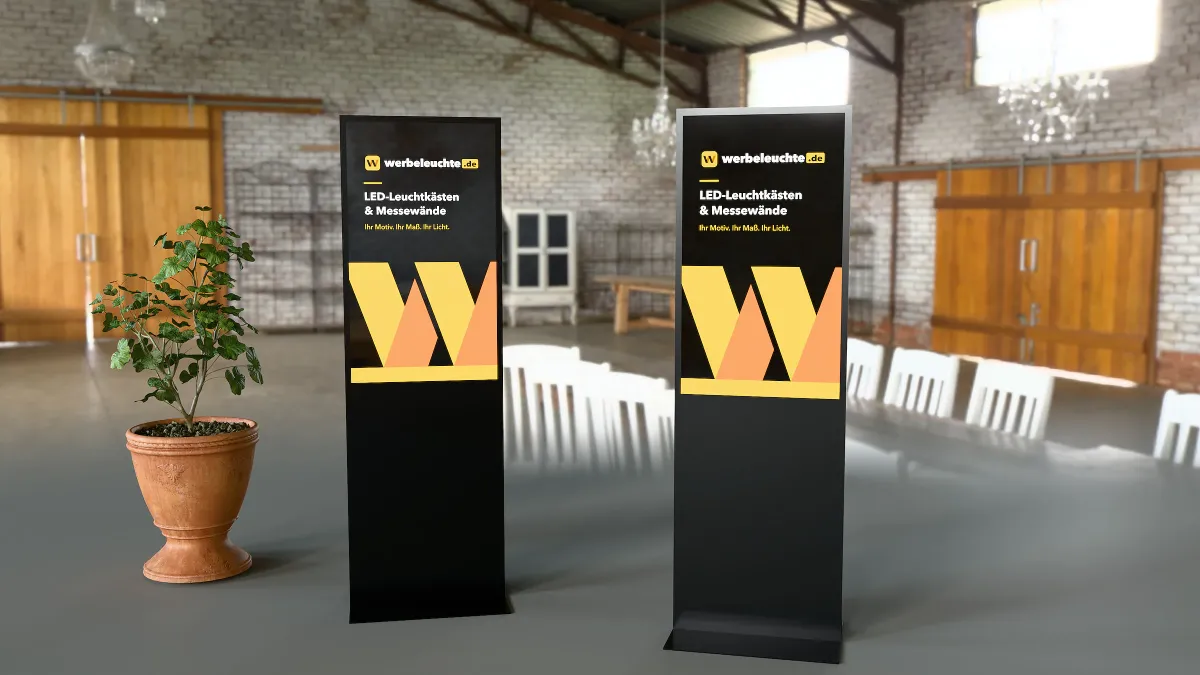
Digital signage simply means signs that are digital: screens that show advertising, information or videos – in the shop window, in the foyer, at the till or on the exhibition stand. Instead of reprinting posters, you change content with a click. This guide explains to beginners which building blocks a digital signage system consists of, which display suits which location, how content gets onto the screen and what costs you should expect.
The three building blocks of a digital signage system
1. The display
The screen with its housing – as a tabletop unit, display stand, totem, wall unit or touch terminal. Size, brightness and design are what matter.
2. The media player
The small computer that plays the content. In most of our devices it is already built in. The Digital Touch Totem 55 inch instead has an HDMI port for an external player.
3. The software
It determines how content gets onto the device: via USB stick, via smartphone app or through a browser-based content management system (CMS). This is where effort and running costs differ the most.
Hardware: which display for which use?
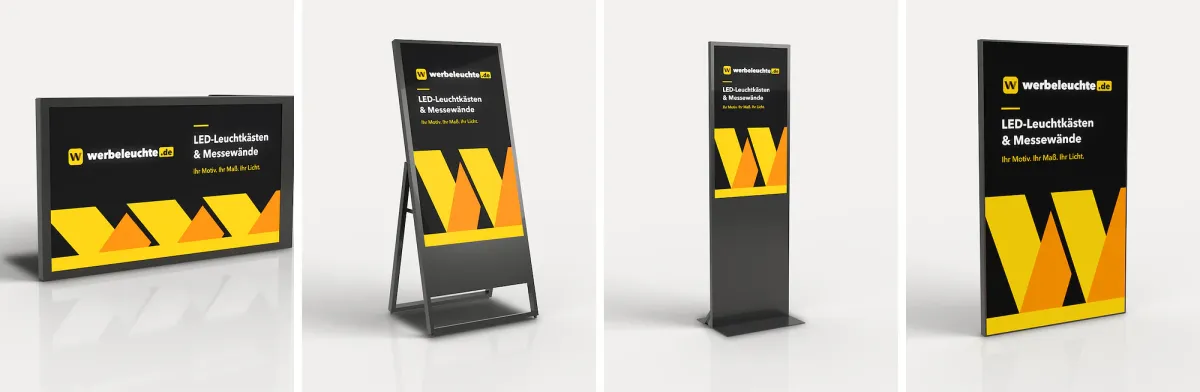
| Device | Screen | Brightness | Performance | Use | Price incl. VAT |
|---|---|---|---|---|---|
| Digital Cash Tray 11.6 inch | 11.6 inch | 300 nits | – | Till, counter | €1,770.13 |
| Digital Tabletop Display 15.6 inch | 15.6 inch | 300 cd/m² | 20 W | Counter, reception | from €1,097.78 |
| Digital Display Stand 43 inch | 43 inch | 350 cd/m² | 65 W | Indoor entrance | from €2,208.94 |
| Digital Totem 49 inch | 49 inch | 350 cd/m² | 78 W | Foyer, trade show, retail | from €3,190.69 |
| Digital Touch Totem 55 inch | 55 inch, 4K, touch | 700 nits | – | interactive catalogues | €3,672.64 |
| Digital Window Display 55 inch | 55 inch | 2,000 nits | 200 W | behind the glass | from €4,751.08 |
| Digital A-Board Outdoor 43 inch | 43 inch | 2,000 nits | Battery | outdoors, IP65 | €7,079.01 |
You will find all devices in the Digital Signage collection.
Understanding brightness: cd/m² and nits
Brightness is given in candela per square metre (cd/m²); "nit" is the same unit. As a rule of thumb:
- 300 to 350 cd/m²: enough for indoor spaces without direct sunlight – counter, foyer, shop.
- around 700 nits: brighter, for example for well-lit rooms or touch devices.
- 2,000 nits: for viewing through the shop window in daylight or for outdoor use.
A normal screen behind glass quickly looks washed out in sunshine. For shop windows, a device built specifically for this purpose is therefore worthwhile.
Portrait or landscape?
Totems and display stands work in portrait format – like a poster. This makes a strong impression at eye level but requires suitable content: a landscape video from your corporate film only fills a third of a portrait screen. Plan your content in the right format.
Combining digital signage with a light wall
On exhibition stands and in showrooms, light and moving images complement each other. The Line with Monitor collection combines a backlit fabric print with a 49-inch monitor in a totem. If you already own an LED Frame System Line, you can add moving images with the Digital Monitor 49 inch for Frame System Line.
Typical locations for digital signage
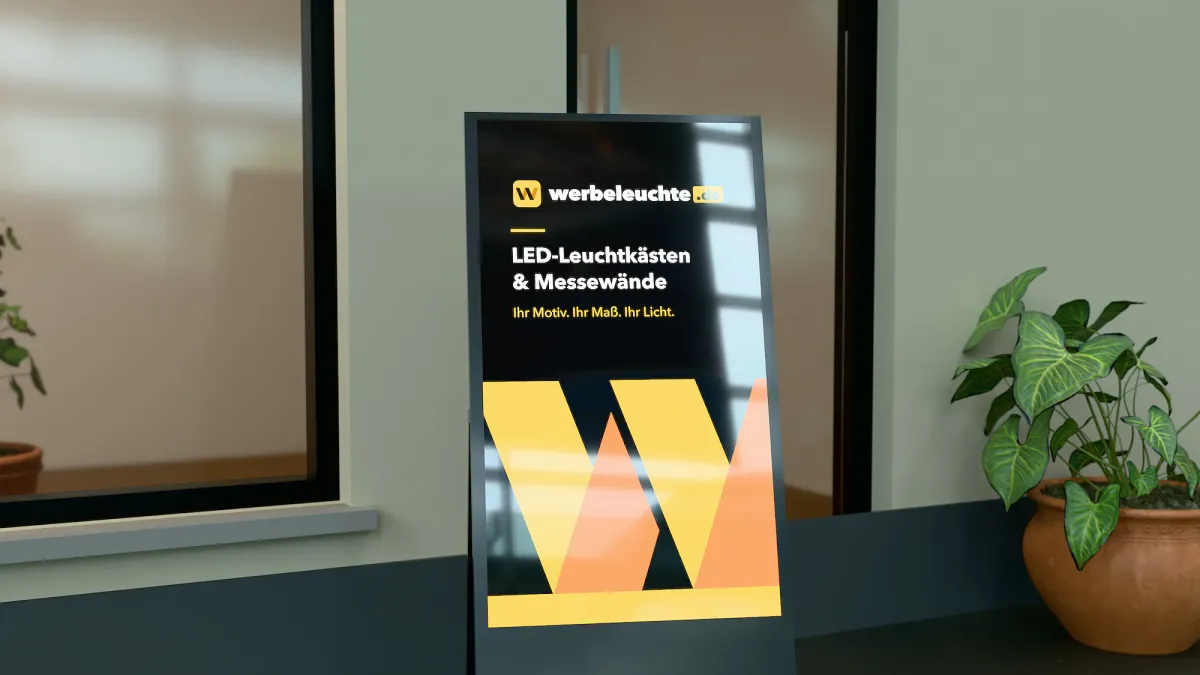
Retail
In a shop, a screen shows new arrivals, promotions or how-to videos right at the shelf. In the shop window, a bright screen replaces changing posters, and at the till a small display draws attention to add-on offers.
Hospitality
Menus, daily specials and promotions can be changed according to the time of day. Outside the door, a digital A-board invites passers-by in – read more in our guide Pavement signs: digital, illuminated or classic A-boards?.
Foyer, hotel and reception
Welcome messages, wayfinding, room bookings or event notices: a totem in the entrance area replaces notices that would otherwise constantly need reprinting.
Trade show and showroom
Product videos, references and presentations at eye level – without sacrificing wall space. With a touch totem, visitors browse catalogues themselves.
Software: how does content get onto the screen?
There are four software options for our devices, which you choose to suit your needs:
| Option | How it works | Who it is for | Price incl. VAT |
|---|---|---|---|
| USB software | Transfer content via an encoded USB stick | one device, infrequent changes | €83.30 |
| Smartphone control | Transfer videos, images, PDFs and web links via app over Wi-Fi, set order and duration – no internet needed; incl. USB software | one to a few devices on site | €124.95 |
| Content management system | Manage and control displays remotely from a browser, data in the cloud | several locations, frequent changes | €245.44 per year and display |
| Software installation | Set-up of the device | anyone who wants it ready to use | €133.88 per device |
Which option is right for you?
- One device in your own shop, content changes monthly: USB software is enough.
- Content changes weekly or daily, the team is on site: smartphone control – convenient, with no licence costs.
- Several branches or devices, central control from the office: content management system.
Content: what belongs on a display
The best hardware is no use if the content isn't right. Five rules to get started:
- Short and clear: Passers-by look for just a few seconds. One message per image, large type.
- Use motion deliberately: Moving images catch the eye. A calm image with an animated price line often works better than a hectic film.
- Match the time of day: The breakfast offer in the morning, the dinner menu in the evening – that is exactly the advantage over a poster.
- Change regularly: A screen that shows the same thing for months gets overlooked. Schedule fixed dates for new content.
- Clarify rights: Only use images, videos and music for which you hold the usage rights.
Costs: what you should expect
The total cost is made up of purchase, software, content and electricity.
Sample calculation: a digital totem in the foyer
- Digital Totem 49 inch 49 inch: €3,190.69
- Smartphone control: €124.95
- Total purchase: €3,315.64 incl. VAT
If you want to control several devices centrally, choose the content management system for €245.44 per year and display instead of smartphone control.
Calculate electricity costs yourself
The power consumption is stated for every device. The digital totem needs 78 W. At twelve hours of operation on 30 days, that is around 28 kWh a month – at an assumed electricity price of €0.30 per kWh, roughly €8.42. Insert your own tariff and opening hours.
Accessories beginners often overlook
- Wheels: For the digital totem there is a base plate with four castors (€354.03); the touch totem comes with castors.
- Stand: The window display is supplied with a wall bracket; a floor stand is available as an accessory.
- Transport: Matching flight cases are available for trade shows.
- External player: For the touch totem we offer an Android media player (€679.79).
You will find individual parts under Accessories.
Three typical beginner mistakes
- A device that is too dim for a bright location: A screen designed for indoor use looks washed out behind a shop window or in sunlight. Choose the brightness according to the location.
- No one responsible for content: Without clear responsibility, the screen will still be showing the old promotion three months later. Decide who creates content and when it changes.
- Software that is too big: A single device in your own shop rarely needs a content management system with an annual licence. Start simple and switch when more devices are added.
Checklist before buying
- Where will the display be – indoors, behind glass or outdoors?
- How bright is it there during the day?
- From what distance will people look at it? That determines the screen size.
- Portrait or landscape – and is there suitable content?
- How often will the content change, and who will maintain it?
- One device or several locations?
- Is there power at the location and, if required, Wi-Fi?
- Will the device be transported, for example to trade shows?
Digital signage on the exhibition stand
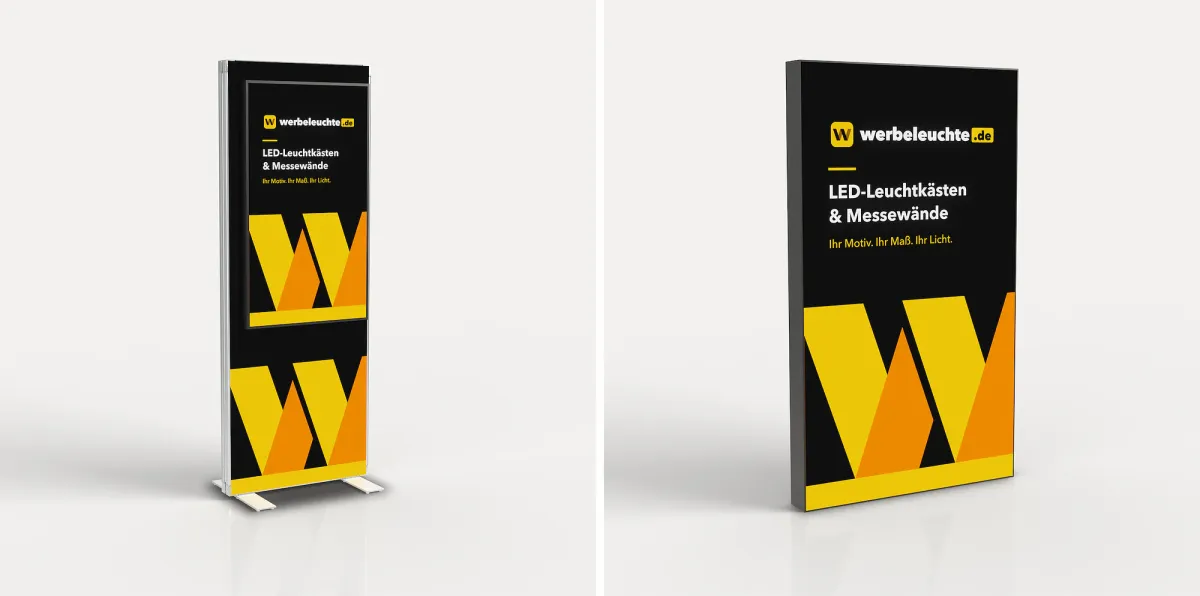
At trade shows, a screen shows product videos, references or a live presentation without you having to sacrifice wall space. That is why our exhibition stand packages M and L include a digital totem – more on the Exhibition stand page. You will find ideas on how screens and light walls work together in our guide Exhibition stand ideas: 25 examples for small and large stands.